
Наръчник на пациента
Patient Manual
How to conduct a medical examination
Вижте тази страница на български
Demo: How to conduct a video medical examination
Steps for conducting medical examinations
- For an Online Video review/examination:
- Login to your profile at least 5 minutes before the beginning of the examination.
- Open “Прегледи” (Reviews/Examinations) and find the appointed hour.
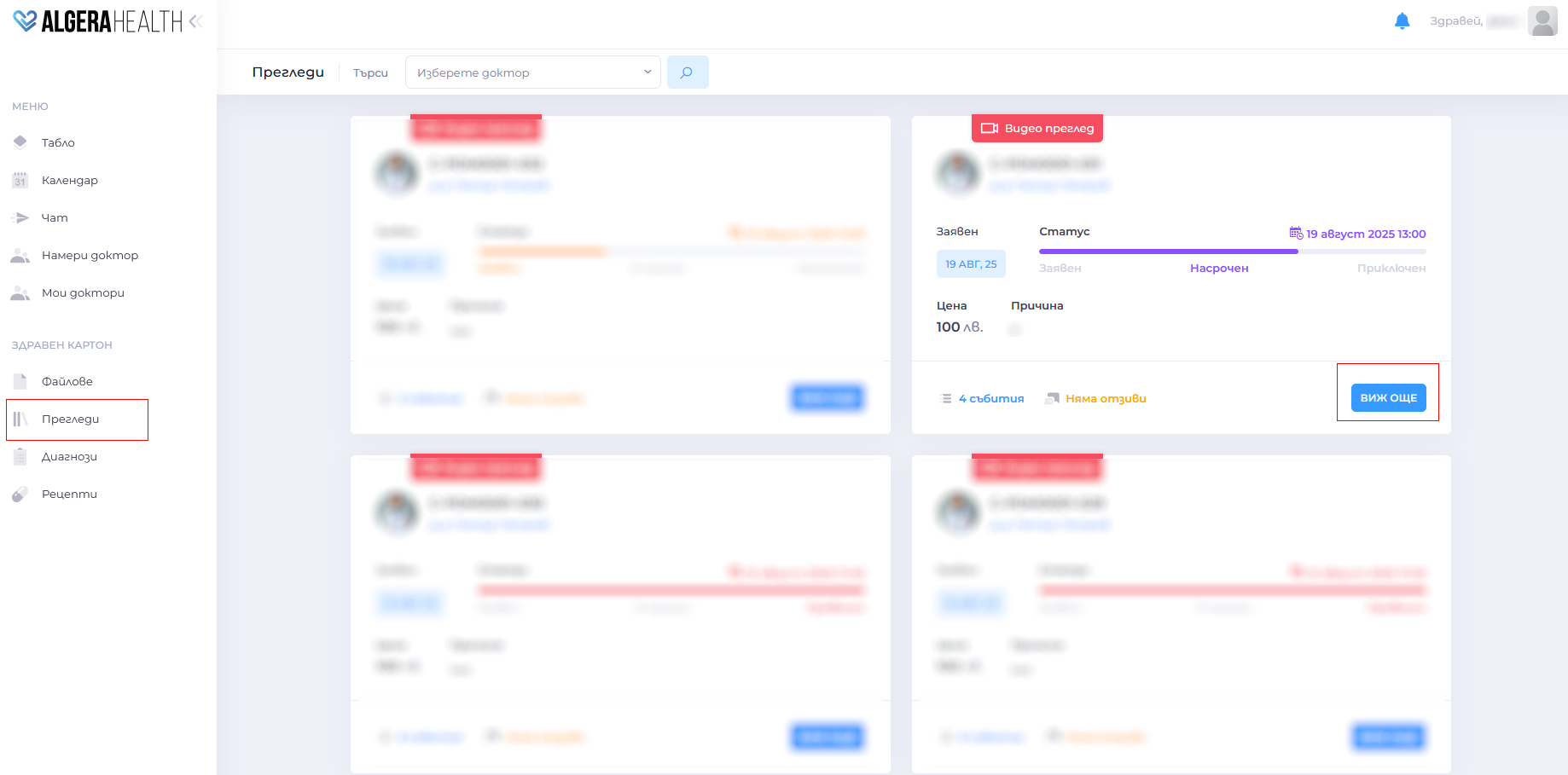
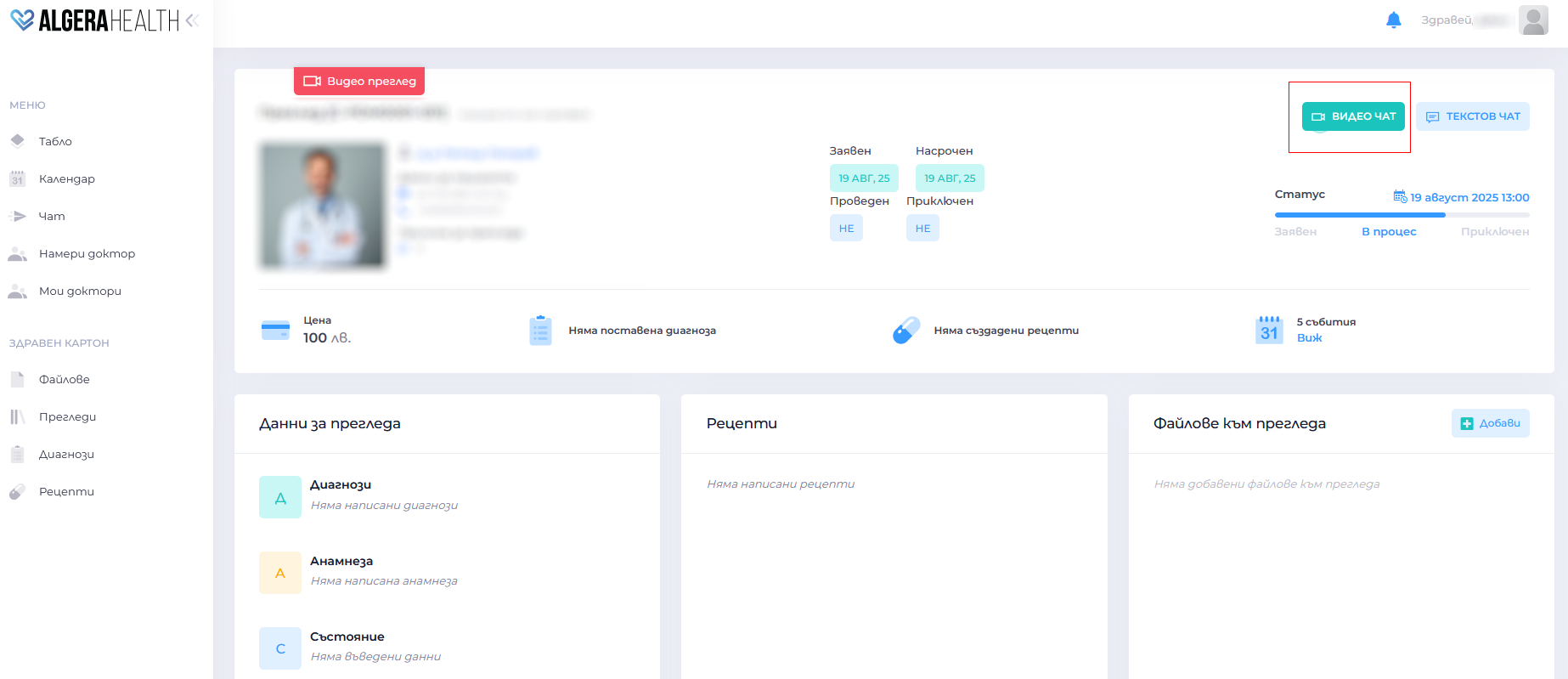
- Once the time has come, press the “Видео чат” (Video chat) button – a video chat with the doctor will open.
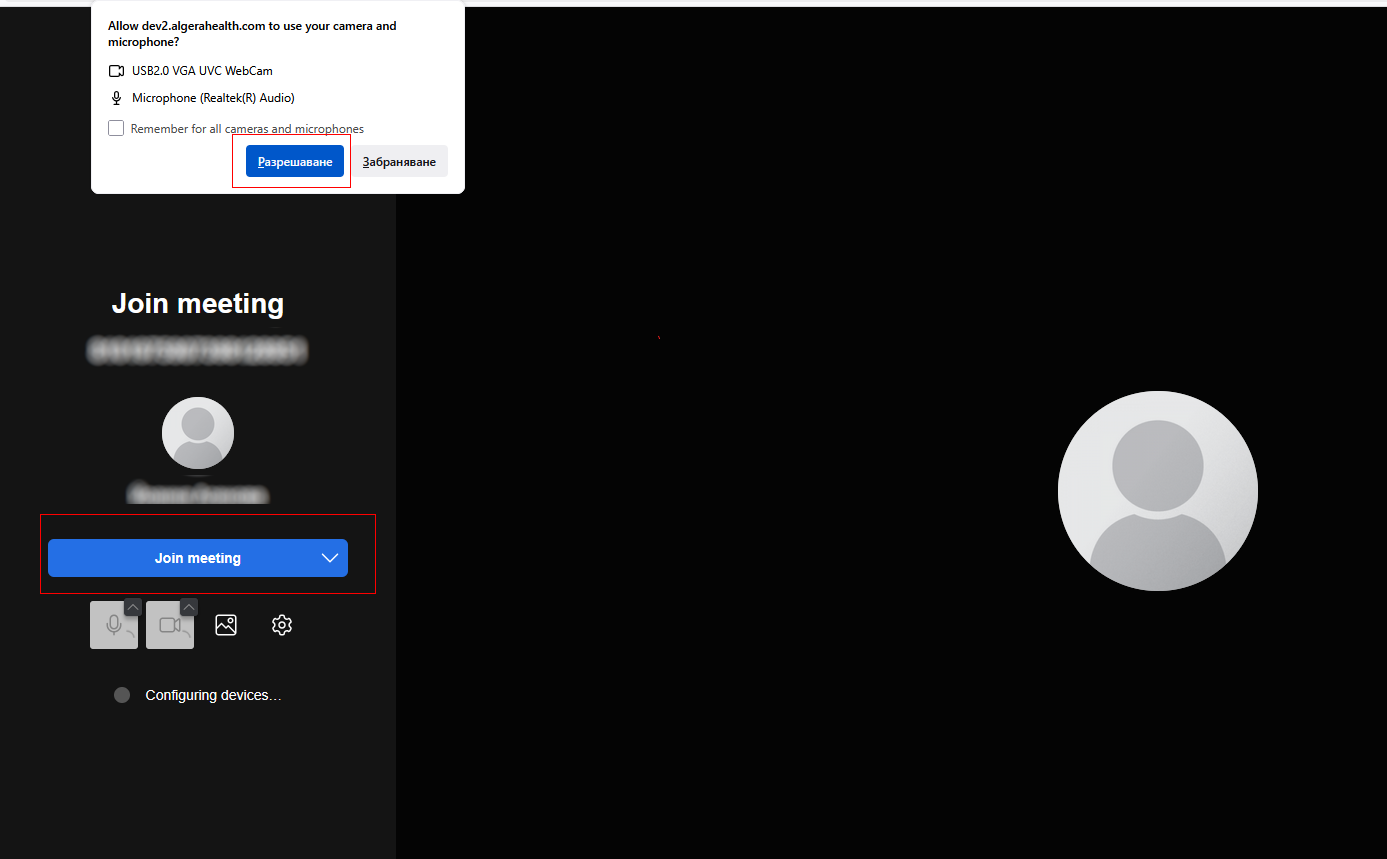
- Make sure your camera and microphone are turned on. Allow access to them and press the “Join meeting” button.
- For Online Text consultation:
- As soon as the specialist accepts the consultation, you can start chatting.
- For On-site review/examination:
- Go to the specified address on time.
- Bring your ID and the necessary medical documents (or attach digital copies of them to your Algera Health review/examination).


