
Наръчник на пациента
Patient Manual
How to leave feedback on a medical examination
Вижте тази страница на български
- Once the examination is complete, you will receive a notification that you can leave a review
- Open “Прегледи (Reviews)”, and click on the successfully completed examination
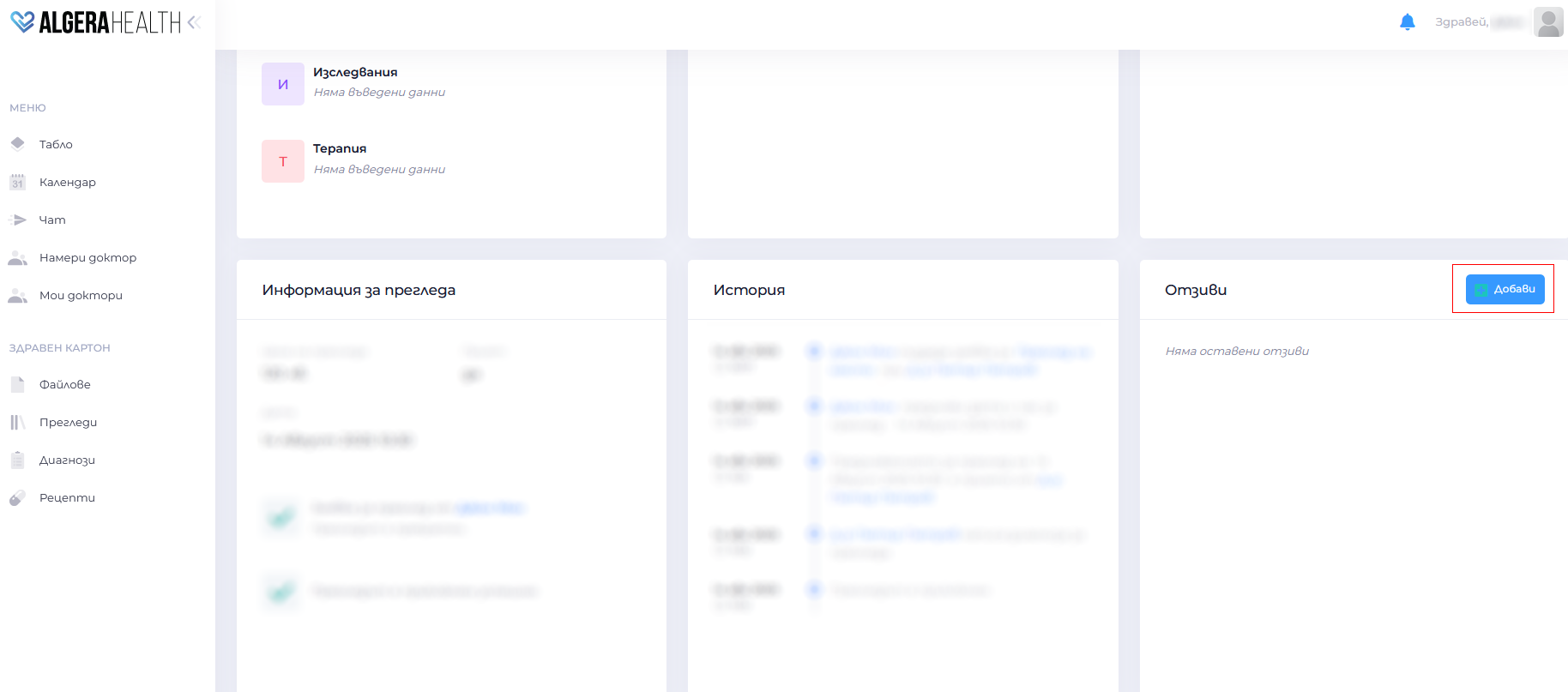
- In the Отзиви (Reviews) section click the button “Добави (Add)”
- Fill in a rating (stars) and write a comment about the specialist
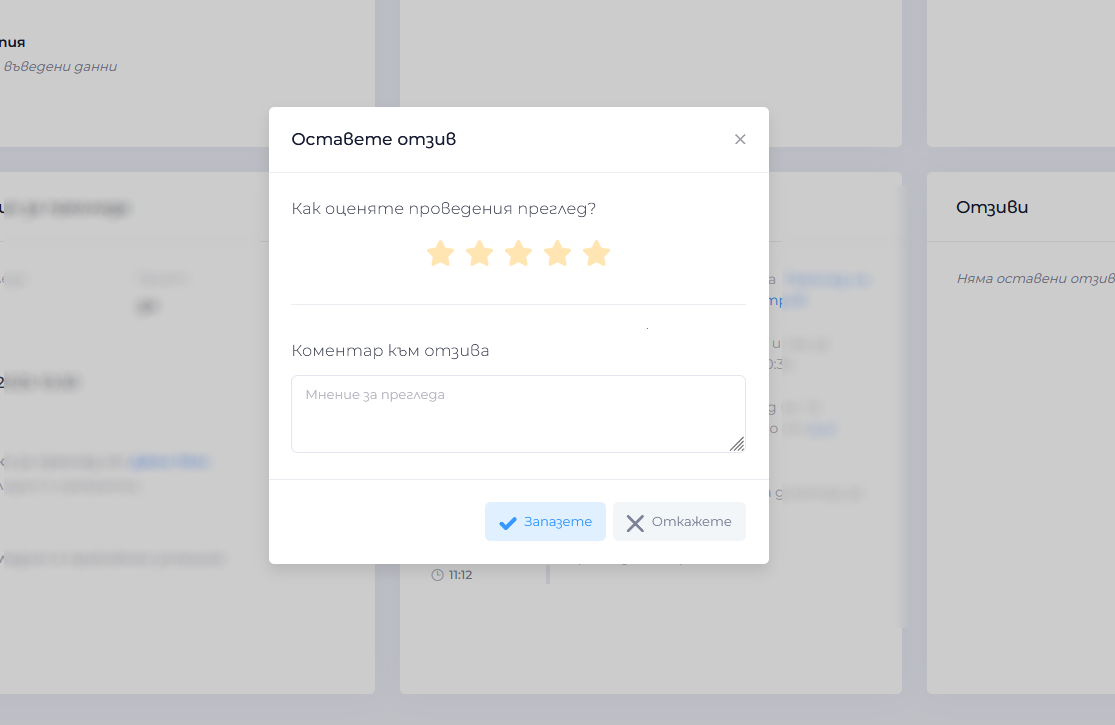
- Confirm with the button “Запазете (Save)”

