
Наръчник на пациента
Patient Manual
Profile
Вижте тази страница на български
The “Account Settings” section allows you to manage your personal information.
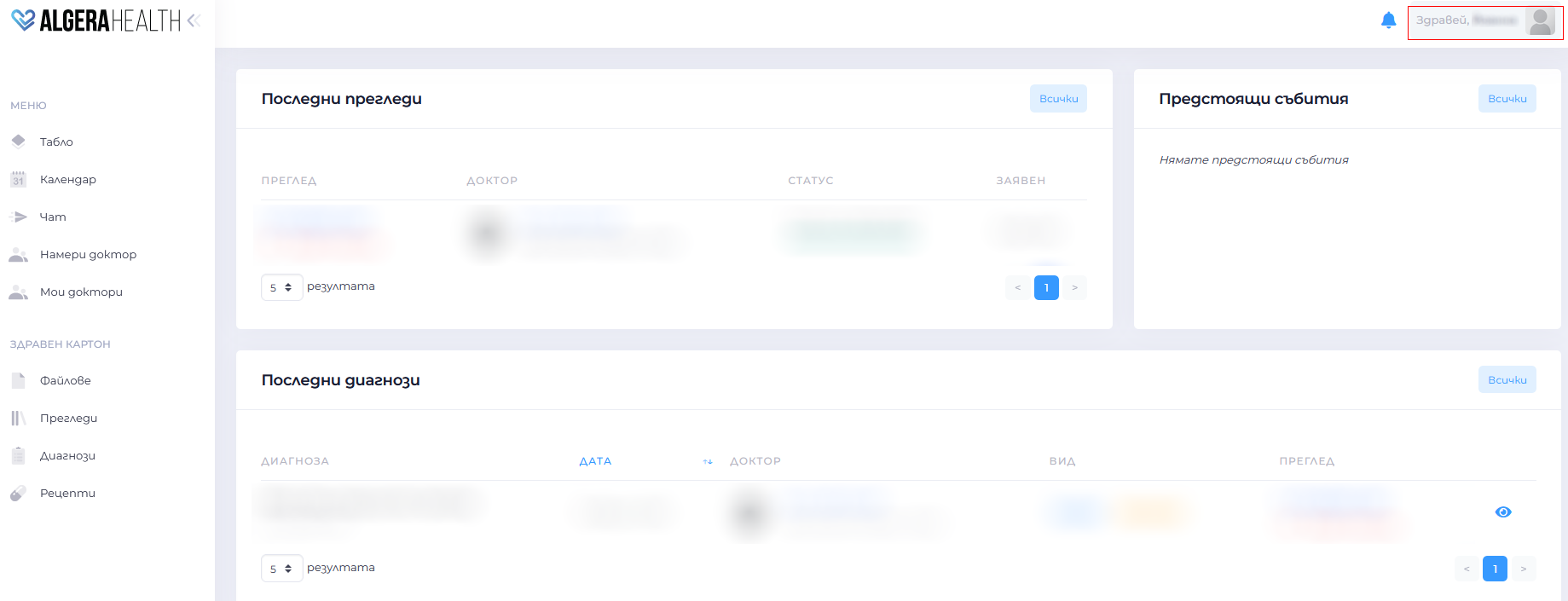
It consists of several sections.
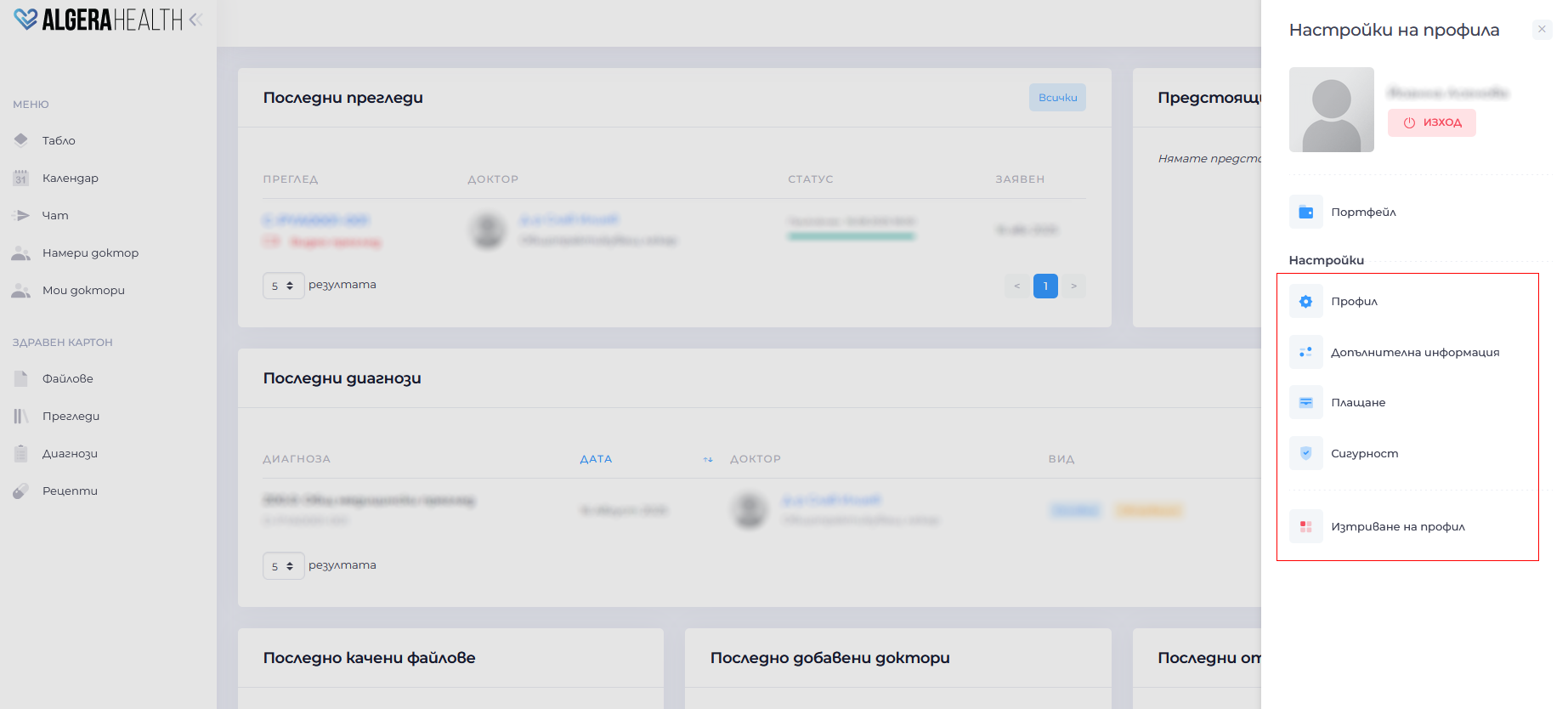
- Profile
- View and edit names, email, personal identification number, phone number, city, address and profile photo
- Save the changes with the “Запази (Save)” button
- Additional information
- Add other additional information
- Security
- Change password
- Deactivate account
- Select “Изтриване на профил (Delete account)”
- Confirm the action
 Warning: deletion is irreversible